01 / See the health
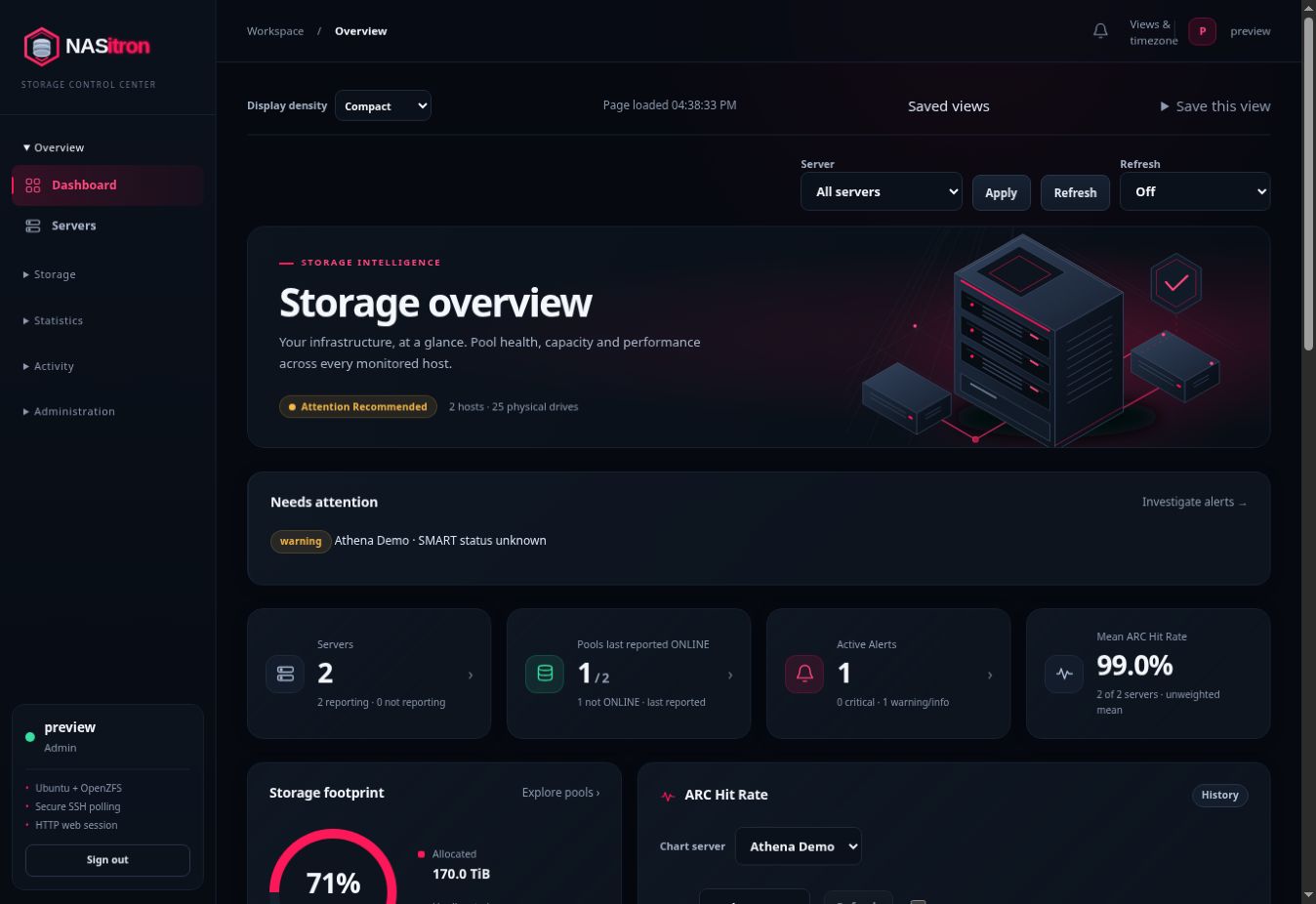
Pool topology, SMART indicators, collection freshness and alerts across your NAS hosts.
Explore guide →
YOUR STORAGE. IN FOCUS.
From pool health to the disk in bay 12. Monitor your OpenZFS hosts, understand what’s changing, and manage storage with a clear view of every action.
Self-hosted · Docker Compose · Ubuntu + OpenZFS
THE WHOLE PICTURE
See what needs attention, then follow the evidence all the way to the physical drive.
OBSERVE → UNDERSTAND → ACT
Pool topology, SMART indicators, collection freshness and alerts across your NAS hosts.
Explore guide →Follow disk and pool I/O, capacity trends and physical bay locations. Keep unknown and stale readings visible.
Explore guide →Plan expansion, protect snapshots and review supported ZFS commands before execution.
Explore guide →YOUR INFRASTRUCTURE
Run the dashboard in Docker. Connect over SSH. Keep the data and the decisions on your systems.
Walk through installation →Configure your secret key and account. Launch the supplied Compose and Caddy stack.
Add Server generates a one-time command for the dedicated account and restricted helper.
Map drive bays, choose health thresholds, and explicitly enable the schedules you need.
GET YOUR STORAGE IN VIEW